SOCD on leverless controllers, explained in plain words
SOCD is the setting that decides what your leverless controller sends when you press left and right at the same time. It sounds like a detail; it is the reason leverless controllers are allowed at tournaments. Here is each mode, what the big events say about them, and how to set yours.


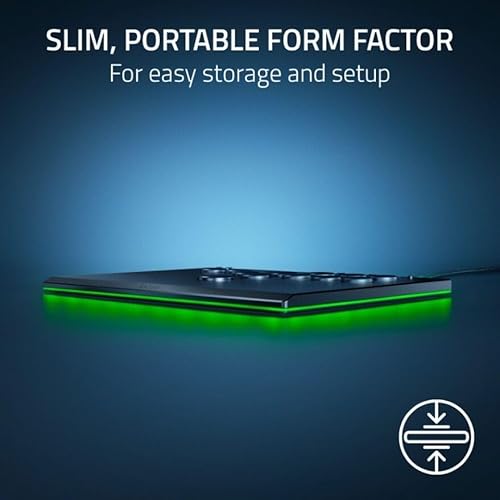
Razer Kitsune8.3/10Read the review
What does SOCD actually mean?
Think about a lever. It can point left or right, never both. A leverless controller has a left button and a right button, and nothing stops you from holding both. Without rules, the controller would send left and right to the game at the same time, and most fighting games were never designed for that.
SOCD cleaning is the firmware rule that resolves the conflict before the game sees it. Evo’s rules put it simply: the controller may not send simultaneous opposite cardinal directions, and this is typically enforced by adding cleaning firmware that removes one of the inputs. Stock gamepads such as the DualSense are explicitly exempt.
Which SOCD modes exist, and what do they do?
| Mode | Left + Right | Up + Down | In practice |
|---|---|---|---|
| Neutral | Neutral | Neutral | Both directions cancel. The safest choice for tournaments that ask for it. |
| Last Input Priority | Newest press wins | Newest press wins | Hold left, tap right: you go right, then back left when you release. |
| First Input Priority | First press wins | First press wins | The direction you pressed first keeps going until you let go. |
| Up priority (hitbox style) | Neutral | Up | Often called hitbox style: left and right cancel, up beats down. |
Last Input Priority is popular for casual play because it makes quick direction changes feel natural. Neutral is the one tournaments most often require. Up priority is what many players think of as the hitbox default; check your event before using it.

What do Evo and the Capcom Pro Tour allow in 2026?
Evo’s general controller rules (read on the Evo site on November 23, 2026) list Neutral, First Input Priority and Last Input Priority as acceptable standard cleaning methods, unless otherwise specified on a game by game basis by pro tour rulesets. They also say a single button may not send left and right together.
The Capcom Pro Tour 2026 regulations (v2.00, last updated September 21, 2026) are stricter for Street Fighter 6. When up and down are pressed together, both must be kept or both rejected, so the character neither jumps nor crouches; the same goes for left and right. In plain words: Neutral on both axes. The same rules cap movement at four digital inputs, one per direction, and forbid a button that forces a neutral state.
Razer Kitsune8.3/10Read the review
Which controllers tell you exactly what they do?
Few makers publish the full list. Razer’s support page lists four SOCD cleaning modes for the Razer Kitsune, and HyperX lists four SOCD modes for the HyperX Clutch Tachi. That clarity is worth something when an organizer asks what your box does.
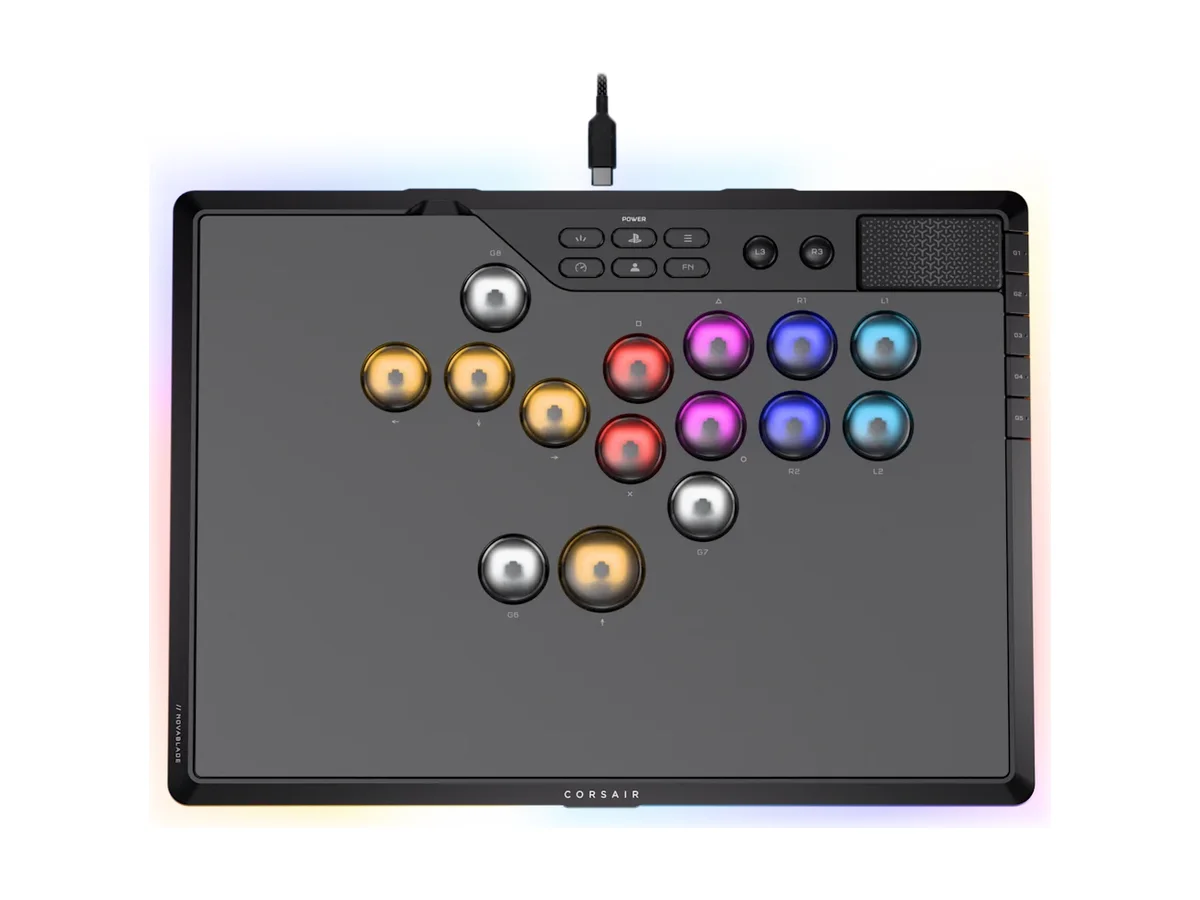
Others mention SOCD without the detail. Corsair names its FlashTap SOCD and a one-button tournament Game Mode on the Corsair Novablade Pro Wireless; 8BitDo mentions SOCD cleaning and switchable SOCD modes on the 8BitDo Arcade Controller without listing each mode on the page we read. Our score only counts modes a maker actually states.
| Controller | SOCD modes stated | Tournament lock | Checked price |
|---|---|---|---|
| Razer Kitsune | 4 | Yes | $252.45 |
| HyperX Clutch Tachi | 4 | Yes | $159.99 |
| Corsair Novablade Pro Wireless | Not stated (FlashTap SOCD) | Yes (Game Mode) | $179.99 |
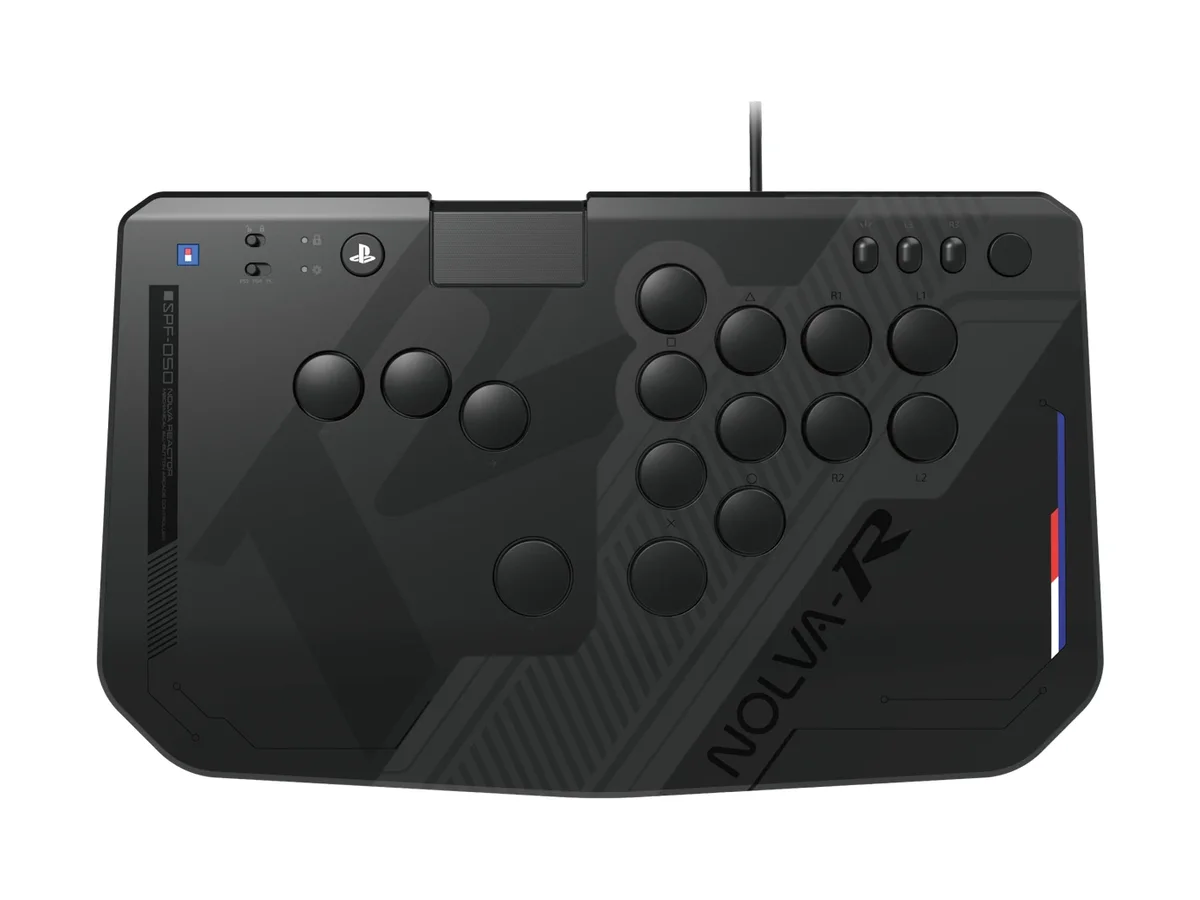
| HORI NOLVA Reactor | Not stated | Yes (key lock) | $129.99 |
| 8BitDo Arcade Controller | Not stated | Yes | $48.89 |
How should you set SOCD on your controller?
- Find the ruleset of the event or the game you play most, and note which mode it asks for.
- Open the controller’s manual or support page: the mode is usually changed with a button combination at plug-in, or in the maker’s app.
- Set it, then check in training mode: press left and right together and watch what your character does.
- For casual play, try Last Input Priority. For events that ask for it, switch back to Neutral.
Figures from the makers’ spec sheets and US prices checked on November 23, 2026. Images: manufacturers and Amazon. Scoring: see our methodology.
Our selection
Three controllers this guide talks about, with their score and today's US price.

Frequently asked questions
What SOCD mode should I use on a leverless controller?
For casual play, Last Input Priority feels the most natural to many players. For events, use the mode the ruleset asks for; the Capcom Pro Tour 2026 rules call for opposite directions to cancel out (Neutral).
Is Last Input Priority legal at Evo?
Evo’s general rules list it among the accepted standard methods, unless a game’s pro tour ruleset says otherwise. Street Fighter 6 at Capcom Pro Tour events asks for Neutral on both axes.
Do fight sticks need SOCD cleaning?
A plain lever cannot press left and right together, so it does not create the problem. Sticks with extra direction buttons do need cleaning.
Does a regular PS5 controller have SOCD cleaning?
It does not need it for tournaments: Evo’s rules explicitly exempt stock gamepads like the DualSense.

