How to switch to a leverless controller: a practice plan
Switching to leverless feels awkward for a while, and that is normal. The good news: the hard part is short, and a little structured practice makes it shorter. This guide covers hand position, the inputs that trip people up, and a simple three-week plan.


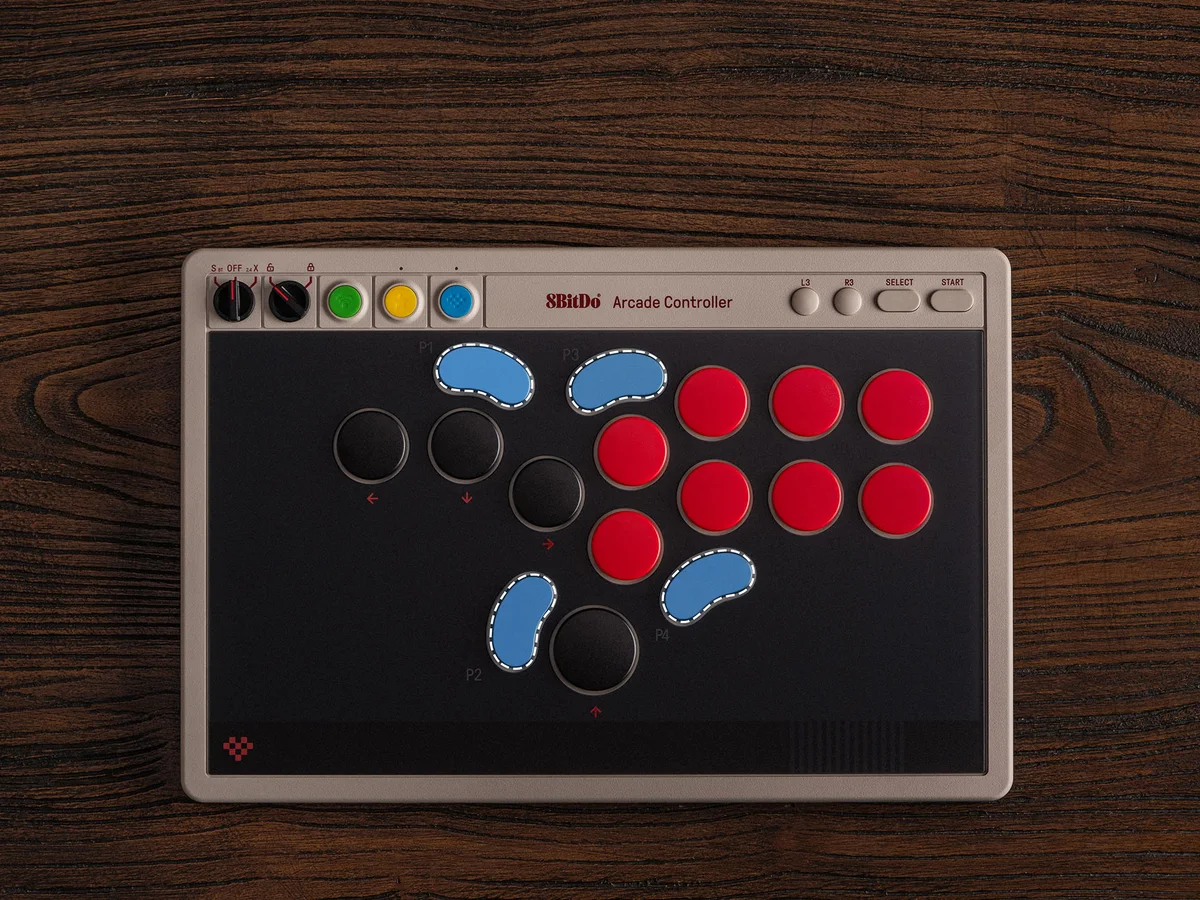
8BitDo Arcade Controller9.1/10Read the review
Where do your hands go?
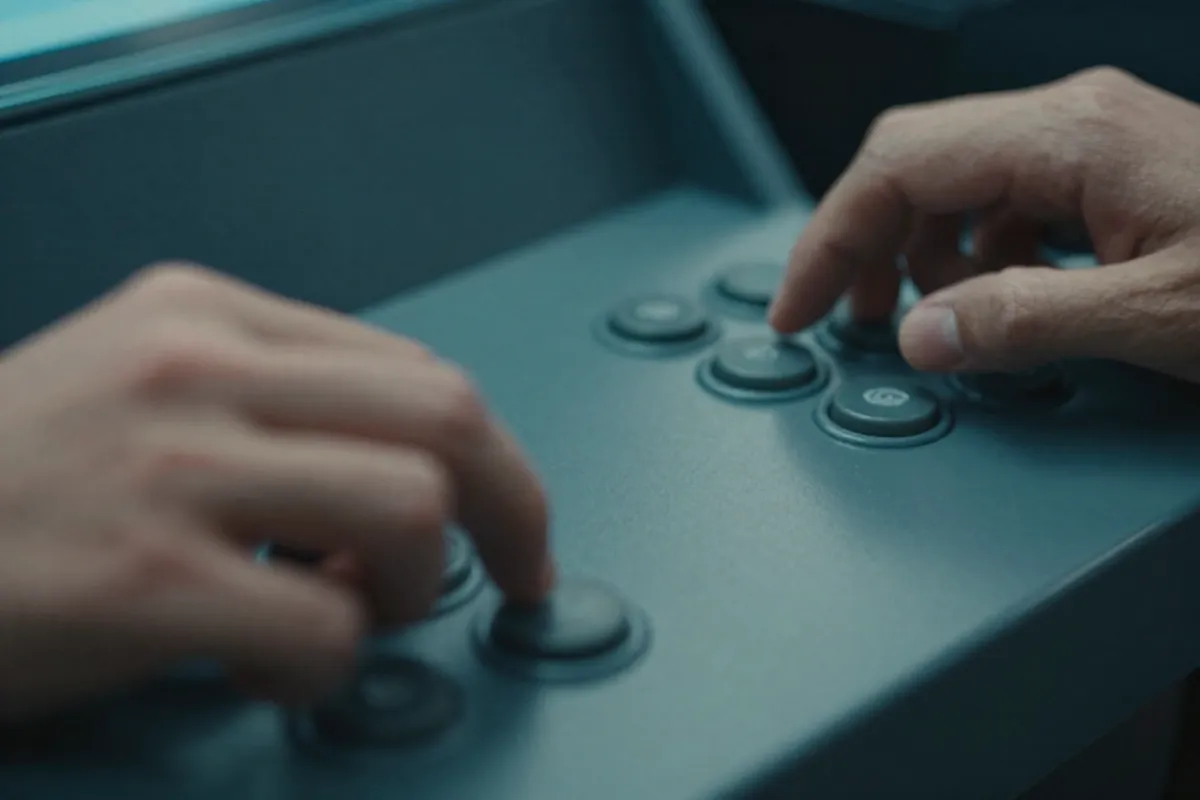
Rest your left hand like you would on a keyboard: ring finger on left, middle finger on down, index finger on right. Your thumb sits on the big button below, which is up. Your right hand keeps the usual attack buttons, four on top and four below.
Keep your hands relaxed. Many beginners press too hard, which slows them down and tires the wrists. A leverless button only needs a light press, especially on low-profile or Hall effect switches.
Which inputs feel strange at first?
- Jumping with the thumb. Your brain expects up to be on the same hand as the other directions, and it is, just on a different finger.
- Quarter circles. Down, down-forward, forward becomes middle finger, then middle plus index, then index. Roll, do not tap.
- Dragon punch motions. Forward, down, down-forward becomes index, middle, middle plus index. It takes practice, and it becomes very consistent.
- Blocking low. Hold down and back together: middle and ring finger.
A three-week practice plan
- Week 1, ten to fifteen minutes a day in training mode: walk, dash, jump in each direction, then quarter circles both sides. No matches yet.
- Week 1, end: add your main character’s special moves, slowly, then at full speed.
- Week 2: play casual matches or arcade mode. Expect to drop inputs; note which ones, and practice those in training.
- Week 3: play ranked or local matches. By now, most players say the layout starts to feel like their own.
Short daily sessions work better than one long session. Your hands learn the pattern between sessions, so the second day often feels better than the end of the first.

8BitDo Arcade Controller9.1/10Read the review
Which controller should you learn on?
You do not need an expensive box to learn. On Switch and PC, the 8BitDo Arcade Controller is $48.89 and wireless. On PS5, the HORI NOLVA Reactor is the cheapest licensed option at $129.99. On Xbox, the HyperX Clutch Tachi at $159.99.
| Controller | Platforms | Buttons | Score | Checked price |
|---|---|---|---|---|
| 8BitDo Arcade Controller | Switch, PC | 16 | 9.1/10 | $48.89 |
| HORI NOLVA Reactor | PS5, PS4, PC | 15 | 8.5/10 | $129.99 |
| HyperX Clutch Tachi | Xbox, PC | 12 | 8.8/10 | $159.99 |
| Haute42 C16 | PS4, Switch, PC | 16 | 8.4/10 | $82.64 |
If you outgrow your first box, it keeps its value as a travel controller. Many players end up with a small one for the bag and a bigger one for home.
Common mistakes when switching
- Going back to the stick or pad after two days. The dip is temporary; give it at least two weeks.
- Pressing too hard. Light presses are faster and easier on your hands.
- Ignoring the layout options. If a button feels too far away, check whether your controller lets you remap or move it.
- Forgetting tournament settings. If you enter an event, set the SOCD mode it asks for before you sit down.
Figures from the makers’ spec sheets and US prices checked on November 23, 2026. Images: manufacturers and Amazon. Scoring: see our methodology.
Our selection
Three controllers this guide talks about, with their score and today's US price.


Frequently asked questions
How long does it take to learn a leverless controller?
Most players describe a few weeks of daily practice. Short sessions of 10 to 15 minutes help more than one long session.
Which finger presses up on a leverless controller?
Your left thumb, on the large button below the three direction buttons.
Is leverless hard for beginners?
Often less than for experienced stick players, because beginners have no lever habits to unlearn.
Can I remap buttons on a leverless controller?
Most models let you remap, and a few, like the Victrix Pro KO, let you physically move buttons. Check the manual of your model.